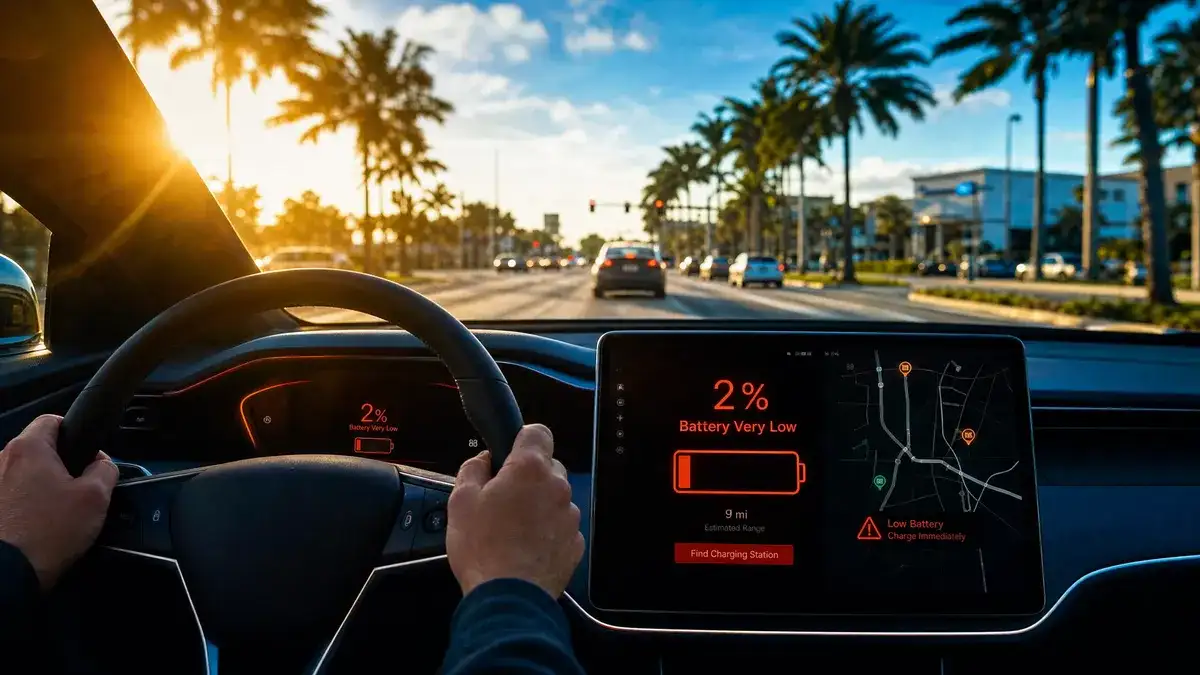
This is the prevention checklist for the moment your battery drops below 15%. Two minutes of work, big payoff. The Out of Charge guide is for when the dashboard already says zero; this guide is for keeping you from getting there.
Your battery is at 15% and dropping. You have maybe 15 minutes of decision time before things get tight. The seven checks below take about two minutes if you do them in order. Done right, the next 10% does not become a side-of-the-road problem.
This is Rapid Charge EV's prevention companion to the Out of Charge emergency guide. That guide is for the moment the dashboard already says zero. This one is for the moment you still have a real chance to keep that from happening.
Why 15% and not 10%
Most EV owners think of 10% as the warning line. In South Florida it is closer to 15%. Below 15%, heat, AC use, highway speed, and real-world traffic can drop the actual range faster than the dashboard math anticipates. By the time you see 10%, you may have less usable range than the number suggests. Acting at 15% gives you a buffer; acting at 10% removes it.
1. Nearest reliable charger, plus a backup
Pull up your map app and check the two closest fast chargers, not just the closest. In South Florida the Tesla Supercharger network in Brickell, Aventura, Doral, Boca Raton, and Palm Beach Gardens often has queues at peak hours. The closest station might be the slowest to actually plug into.
What you want to confirm in 30 seconds: which two stations are closest, which one is more reliable based on recent reviews, and what is between you and them traffic-wise. If the closest is on the wrong side of a clogged causeway, the second-closest is probably the better target. The Tesla Supercharger waits guide covers the queue patterns in our service area in detail.
2. Real range vs displayed range
The dashboard range is an estimate. In South Florida heat with AC running hard, it is typically optimistic. Take the displayed range and mentally subtract 15 to 20 percent. If the dash says 35 miles, plan as if you have 28. That is the real number on a hot afternoon on I-95.
Quick adjustments to actually buy range: turn AC down (or off, with windows cracked), drop highway speed by 10 mph, turn off seat coolers, defrost, and any auxiliary draw. Each one gives you a few percent of real range back.
3. Phone battery and charging cable
Two minutes of preventive work that saves an hour of stress. Check your phone battery, plug it into the car if it is below 50 percent. Confirm your charging cable is in the car (it should be, but verify). If something goes wrong, you will need the phone to call dispatch, run the charging app, and possibly hotspot if there is weak signal at the station.
4. Charging app login and payment status
Open whichever charging app you use, Tesla, ChargePoint, EVgo, or Electrify America, before you arrive at the station. Confirm you are still logged in. Confirm your payment method is current and not expired. The number of drivers who roll up to a station at 8% only to discover their app needs a password reset is not zero.
If you have not used the app in months, this check is more important, not less. Many apps log you out automatically after a period of inactivity.
5. A payment backup
Most stations accept credit card tap at the station itself in addition to the app. Confirm you have a working card on you, physical or in your phone's wallet. If the app fails and the only payment option is the card reader on the station, you do not want to discover at 6% that your card is in the other bag.
6. Speed and traffic to the chosen station
Three variables make the difference between making it and not making it: distance to the station, traffic, and your driving speed. Distance is fixed. Traffic and speed are not.
If your map says 12 miles to the station and traffic is heavy on the route, take a slower local-road route instead. Stop-and-go heavy traffic on a highway, especially with AC running, eats more range than a steady 35 mph on local streets. The fastest route is not always the most range-efficient route when you are running tight.
7. Mobile charging dispatch number saved
Save Rapid Charge EV's dispatch line, (954) 278-4454, in your contacts under "EV emergency" or similar. If despite the six checks above you still end up on the shoulder, you want to call from your contacts list, not search in a browser at 4 percent. We dispatch across Broward, Miami-Dade, and Palm Beach counties 24/7.
If you are reading this without an emergency, save the number now. It is the cheapest insurance you can carry as an EV owner in this metro.
What happens if you hit 10% anyway
Reduce speed. Turn off AC if you safely can, or turn it down. Avoid acceleration where possible. Coast where you can. Stick to local streets if you have an option that does not require highway driving. The bottom 10 percent of the battery is where range estimates get unreliable, so build a buffer mentally even past what the dashboard tells you.
If you are confident you can make it to the station, drive there. If you are not, pull over now at a safe location while you still have power steering, brakes, and the ability to choose where you stop. A planned stop in a parking lot is a thousand times easier to recover from than an unplanned stop on a bridge shoulder. Our Out of Charge emergency guide covers what to do after you stop.
What happens if you hit 5%
Stop driving toward a station unless you are certain you can reach it. At 5%, every minute of driving costs more range than the dashboard suggests. The right move is usually to find a safe parking lot, pull over, and call for mobile charging or a tow to a station. The instinct to keep pushing is wrong; the math does not favor it.
Common South Florida 5% scenarios: Tesla Supercharger queue you cannot afford to wait through, surprise traffic on the MacArthur Causeway or the Julia Tuttle, A1A on a busy weekend with no station options nearby. In all three, the right call at 5% is to stop somewhere safe and dispatch, not to keep driving.
Prevention: the daily routine that keeps you off this checklist
If you find yourself running this checklist often, your daily routine is too tight. Most South Florida EV owners who consistently arrive at home or work above 30 percent are following one or more of these patterns:
Daily 80-percent home or condo charge as the baseline, following the 80/20 charging rule for battery longevity.
Workplace charging available, used opportunistically during the day.
Scheduled mobile charging weekly or bi-weekly for residents without installed home charging.
Real-world range awareness, with the dashboard number mentally adjusted for heat and AC use.
Pre-planned routes that account for charging stops on longer drives, not last-minute decisions on the highway shoulder.
If none of those apply and you are regularly running this checklist, your situation is fixable. Talk to us about scheduled service or read our range anxiety guide for the 12 most common South Florida commute patterns and the right charging strategy for each.
Bottom line
At 15 percent: run the seven checks. Two minutes of work, big payoff. At 10 percent: drive carefully, get to the station. At 5 percent: stop somewhere safe and call for help. The drivers who never make it to 0 are the ones who acted at 15 instead of hoping at 10.
If the seven checks come up short and the number keeps falling, call Rapid Charge EV at (954) 278-4454 or email support@myrapidchargeev.com. We dispatch across Broward, Miami-Dade, and Palm Beach 24/7.
Frequently Asked Questions
How long does 10% of EV range actually last in South Florida?
Depends on the vehicle, the temperature, and your speed. As a rough rule, 10% of a typical mid-range EV is 25 to 35 miles under ideal conditions but 18 to 25 miles in real South Florida heat with AC running on a highway. Plan based on the lower number.
Should I drive slower to save range?
Yes, within reason. Aerodynamic drag is the biggest energy sink at highway speed. Dropping from 75 to 60 mph can buy noticeable range. Local-road driving at 35 to 45 mph is usually more range-efficient than highway driving at 65 to 75, especially in traffic.
Is it safe to use AC if I am at low battery?
AC uses meaningful energy, but you should not drive without it in dangerous heat. If you are below 15% and you have a reasonable path to a station, turn AC down to 78 or 80 (not off), open a window slightly, and accept the comfort trade. If you are below 5%, get to safety first; you can deal with heat after you stop.
What is the difference between this checklist and the Range Anxiety guide?
The Range Anxiety guide is the planning document for someone reading at home thinking about their commute patterns. This 7-things checklist is for the moment in the car when the battery is already running low and you have 15 minutes to act. Both are useful at different times.
If you're reading this on the side of the road with your EV showing zero, start here. Five steps in order, calmly, and you'll be moving again within the hour. Call (954) 278-4454.
Five percent is not an emergency yet, but it is the last moment you get to choose calmly. Here is the decision tree South Florida Tesla drivers should run before the number becomes a story. Call (954) 278-4454.
A listing that says EV charging available can mean four very different things. These are the questions that reveal which one you are about to sign a year of your life to. Call (954) 278-4454.